How to Set Up a Standing Toner Order and Never Run Out Mid-Job Again
Running out of toner mid-job is not a printer problem. It’s a supply chain problem. And for the small B2B offices we work with across the Quad Cities, it’s one of the most consistently avoidable disruptions there is.
The fix takes about 20 minutes to set up. After that, it runs on autopilot. Here’s how to do it.
Why the Default Low-Toner Warning Is Too Late
Most printers ship with a default low-supply alert set somewhere between 5 and 10 percent remaining toner. That sounds like plenty of warning. In practice, for any office printing at real volume, 10 percent can disappear in a single busy afternoon.
By the time the warning fires, you’re already in a reactive position. If a replacement isn’t on the shelf, you’re looking at a same-day emergency order at best, or a workflow stoppage while you wait for delivery. Neither option is free. Both are avoidable.
The 20 Percent Reorder Rule
Reset your supply alert threshold to 20 percent on every networked device. Most printer admin panels and manufacturer software allow this adjustment under supply or notification settings.
At 20 percent, a moderate-volume office printing 1,000 pages per month on a 4,500-page high-yield cartridge has roughly 4 to 6 business days of print capacity remaining when the alert fires. That’s a comfortable window to receive a local same-day order, a next-morning delivery, or to pull a spare from the shelf without any operational disruption.
The difference between a 10 percent alert and a 20 percent alert is the difference between a managed reorder and an emergency call.
The One Spare on the Shelf Rule
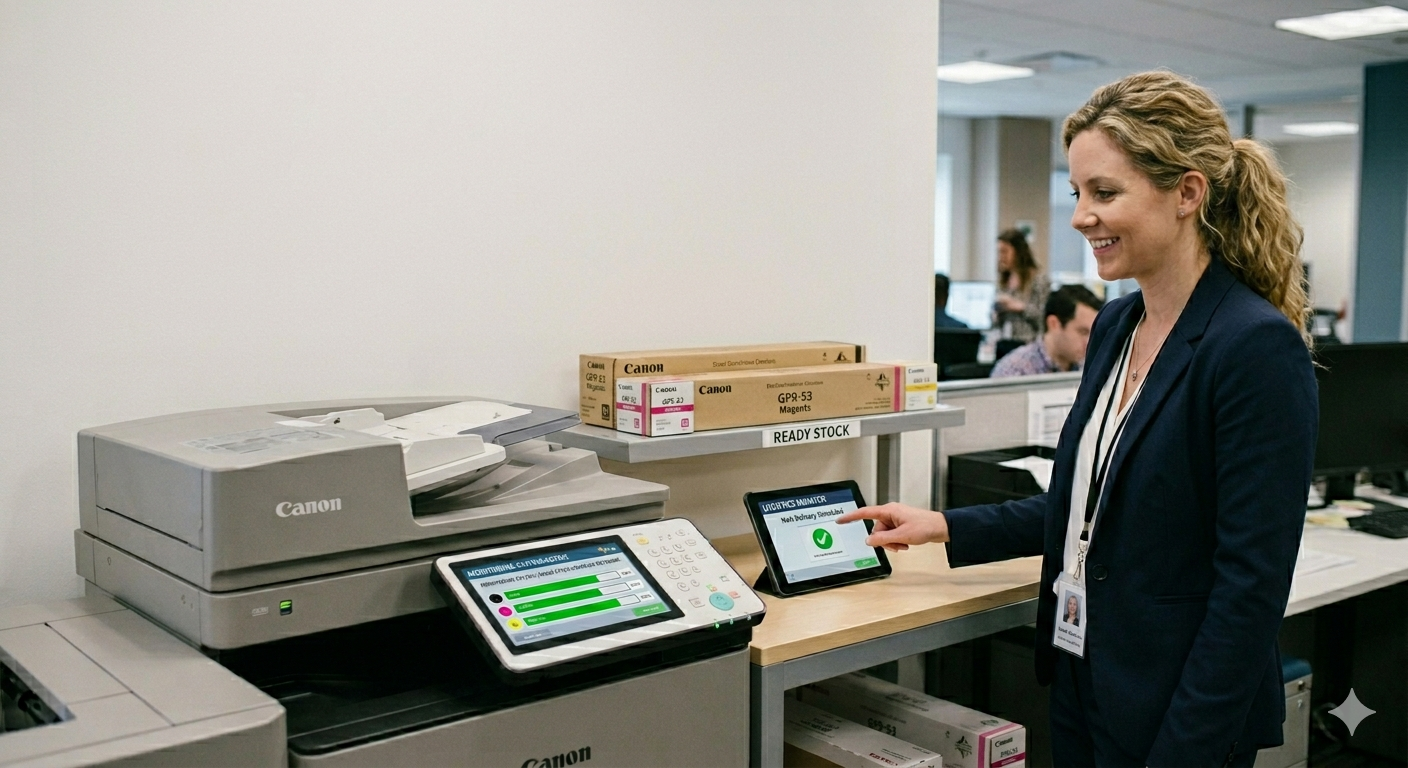
For every device in your office printing more than 500 pages per month, keep one spare toner cartridge on the shelf at all times. Not in a drawer somewhere. On the shelf, labeled, ready to install.
When you install the spare, reorder immediately. The goal is a continuous loop: spare on shelf, alert fires at 20 percent, install spare, reorder, spare back on shelf before the new cartridge is needed. You are never in a position where the printer is down and the replacement is in transit.
The cost of carrying one spare per device is minimal. The cost of a two-hour workflow stoppage while you wait on a delivery is not.
How to Calculate Your Monthly Consumption
Pull 90 days of page count data from your printer admin panel or manufacturer software. Most networked devices track this automatically. Divide the 90-day total by 3 to get your monthly average. Then divide the cartridge’s rated page yield by your monthly average to get how many months each cartridge lasts.
A 4,500-page high-yield cartridge in an office printing 1,500 pages per month lasts 3 months. That means you need roughly 4 cartridges per year per device. A 1,000-page-per-month office needs roughly 5 to 6 per year. These are numbers you can build into an annual supply budget with precision, rather than reacting to a low-toner light every time it fires.
What a Standing Order Actually Looks Like
For B2B operations running multiple devices across one or more locations, a standing supply arrangement with a local provider is worth setting up. It works like this: you give your supplier your device list, your cartridge models, and your approximate monthly consumption per device. They maintain inventory for your specific equipment and fulfill on a schedule or on-demand when you call.
The practical advantages over ordering ad hoc from a national fulfillment warehouse are significant. Same-day availability on most cartridge lines. Local pickup in Moline if a situation is urgent. A supplier who knows your equipment and can flag when a cartridge model is being updated or when a firmware change is coming that affects chip compatibility.
For ink cartridges on inkjet devices, the same principles apply, though consumption patterns vary more based on coverage percentage per page. Pull your 90-day data, calculate your monthly average, and set your reorder threshold accordingly.
The 20-Minute Setup Process
Set this up once for every device in your office and you won’t need to think about it again.
- Step 1: Pull 90-day page count data for each device from the printer admin panel or manufacturer software.
- Step 2: Calculate monthly average. Divide 90-day total by 3.
- Step 3: Identify the correct high-yield cartridge model for each device. If you’re still on standard-yield, this is the moment to switch.
- Step 4: Set the low-supply alert threshold to 20 percent in the printer settings or manufacturer software.
- Step 5: Order one spare cartridge for every device printing over 500 pages per month. Put it on the shelf labeled with the device it belongs to.
- Step 6: Call your local B2B supplier, give them your device list and cartridge models, and set up a standing account so reorders are a single phone call or email.
That’s the whole system. Twenty minutes of setup against years of uninterrupted supply.
CartridgeInkQC.com supplies toner and ink to B2B operations across Davenport, Bettendorf, Moline, and Rock Island. We maintain inventory on most major cartridge lines, offer same-day availability, and provide local pickup for urgent situations. Call us at 309-751-8281 to set up a standing account for your office.
This article is part of the CartridgeInkQC.com B2B Toner and Ink Series for Quad Cities small businesses. The full guide covers OEM vs. compatible decisions, cost-per-page calculations, and counterfeit supplier risks. Read the complete B2B Toner and Ink Guide here.