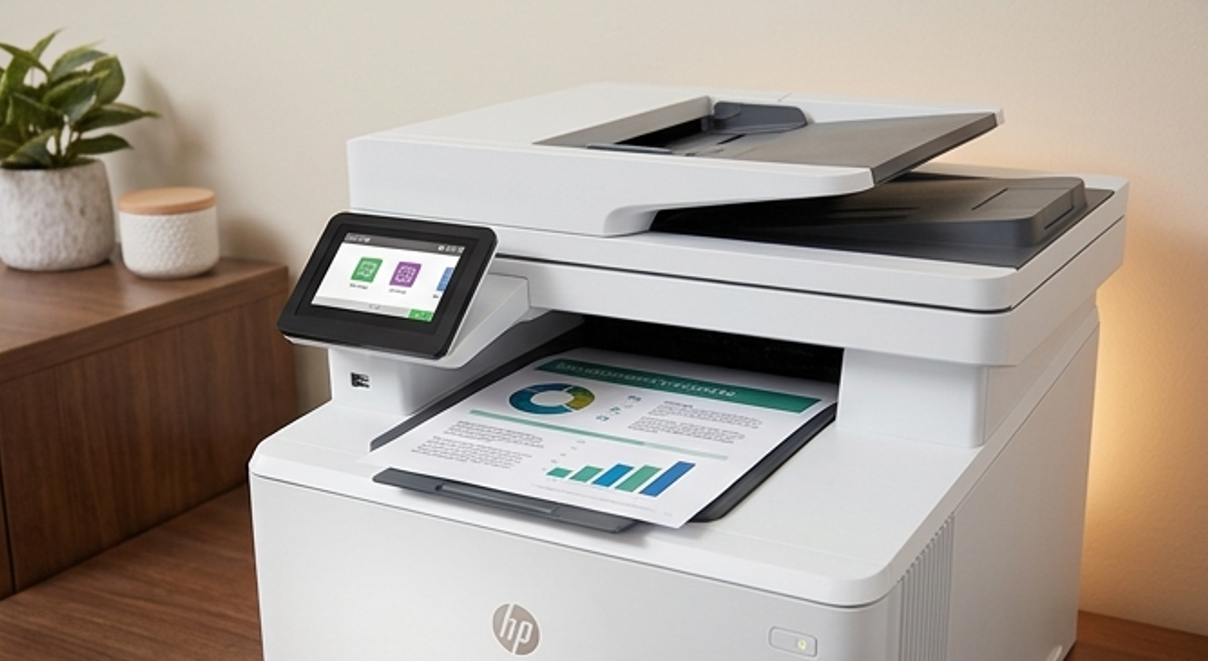
A Moline accounting firm traded in an old copier last spring and felt good about the deal. What nobody in the office thought about was the hard drive inside that machine, still holding image copies of tax returns, payroll records, and client Social Security numbers going back years. That drive left the building with all of it, and no one wiped a thing.
This is one of the most overlooked risks in any small office, and it hides in a place most people never think to look. If you want the full picture of how your printer creates security exposure, start with our guide on whether your office printer is a security risk. This post digs into the storage problem specifically.
Yes, your printer has a hard drive
Most business-class multifunction printers built in the last 10 to 15 years contain an internal hard drive or SSD. It is there so the machine can queue large jobs, hold scans, store fax data, and manage secure print features. Useful stuff, but it comes with a catch.
Here is what is actually happening every day. When someone scans a contract, copies a stack of medical forms, or prints a payroll report, the machine can write an image of that document to its drive. Those images do not always clear on their own, so over a few years a single printer can hold thousands of pages of sensitive material.
Most staff have no idea this is happening, which is exactly why it stays a blind spot. The paper leaves the tray and everyone assumes the data left with it. It did not.
The three moments that storage becomes a liability
The drive itself is not the danger. The danger shows up at three specific moments when that stored data can walk out of your control.
Theft or break-in
If a machine is stolen, so is everything on its drive. Someone with the right tools does not need to crack a password to pull image files off a printer hard drive, and now years of your records are in the wrong hands.
A service or repair visit
When a printer goes out for repair or a tech swaps a failed drive, that old drive has to go somewhere. If your vendor does not have a clear data handling policy, your files could sit in a shop, a truck, or a scrap bin with no protection at all.
End of lease or trade-in
This is the one that catches the most Quad Cities offices. When a leased copier goes back or an old machine gets traded in, the drive usually goes with it, still loaded. Unless someone wiped or removed it on purpose, you just handed your data to whoever gets the machine next.
How to wipe a printer drive the right way
Clearing a printer drive is not complicated, but it does need to be deliberate. Do not assume it happens automatically, because it almost never does. Work through these steps before any machine changes hands.
- Find out if the machine has a drive. Check the model’s spec sheet or ask your supplier. Most business multifunction printers do, but smaller desktop units may not.
- Turn on drive encryption now. If the printer supports it, encryption means that even a stolen drive is far harder to read. Set this up while the machine is in service, not after.
- Run the built-in secure erase. Most business machines have a secure erase or overwrite function in the admin menu that clears stored image data to a verifiable standard. Run it before the printer leaves.
- Remove and destroy the drive when the stakes are high. For medical, legal, or financial offices, physical removal and destruction of the drive is the safest end of life step, full stop.
- Get it in writing. Whether you wipe or destroy, have your vendor confirm in writing that the data was cleared or the drive was destroyed. That record protects you if anyone ever asks.
Run that sequence once and it becomes routine. The whole point is that no drive ever leaves your building with readable data on it, no exceptions.
What getting this wrong actually costs
The upside of doing this is easy to miss, because nothing bad happening never feels like a win. But the downside is steep. A single exposed batch of records from a Quad Cities medical, legal, or accounting office can trigger client fallout, regulatory attention, and legal costs that dwarf the value of the machine.
Compare that to the cost of doing it right, which is basically an hour of attention and a written confirmation. If you would rather not handle it in house, our service team can check whether your machine has a drive, turn on encryption, and run a verified wipe before it ever leaves the building.
Your printer’s drive is quietly one of the most sensitive storage devices in your office, and it is a core part of your office printer security. Treat it that way, and one of the biggest hidden risks in the building simply goes away.